Write the bit. Wiggle Studio animates it.
Cast it, script it, press play. Your characters walk on, talk in real voices and land every beat, and out comes a video ready to post: skits, stories, explainers and animated infographics.
- TikTok
- Instagram Reels
- YouTube Shorts
- YouTube
- MuseFree
- Claude
- ChatGPT
No drawing or keyframes needed. They're there when you want them. It runs on your Windows PC, and your projects stay there.
Just writing.
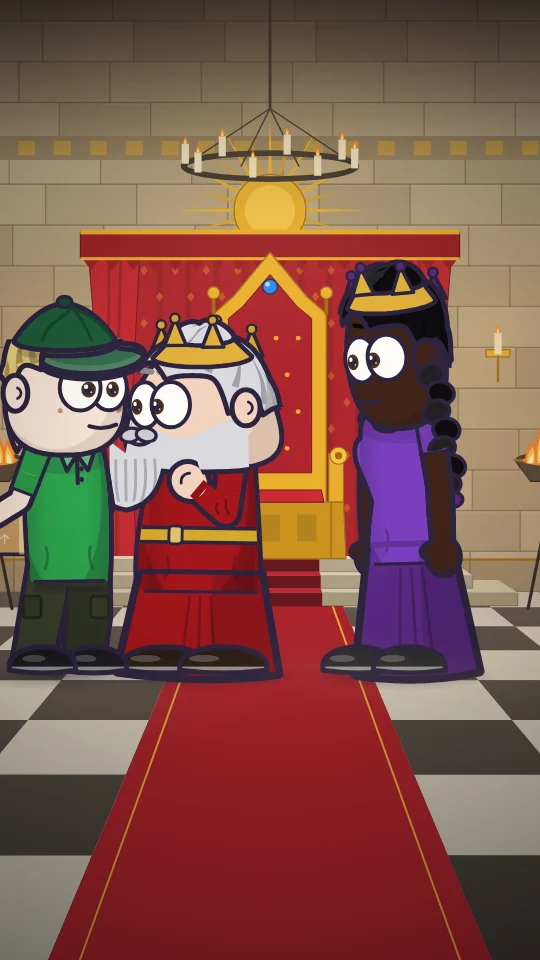
- 260+characters to cast
- 160+places, from diners to other planets
- 140+moves, moods and reactions
- 180+sound effects, plus 29 songs
From idea to upload.
One app.
The animating, the voices, the captions, the sound and the thumbnail all happen in the studio. You bring the idea.
Tall, wide or square
9:16 for TikTok, Reels and Shorts, 16:9 for YouTube, or square. Or make it wide and export a tall cut for Shorts too.
Captions that pop
Creator-style subtitles that light up word by word, speech bubbles, both or none.
Sounds right on phones
Every soundtrack is mastered to the loudness TikTok, YouTube and Instagram play at, with voices clear on phone speakers.
Thumbnails
Four thumbnail ideas made from your script, drawn with your real cast. Pick one and change the words.
Your own series
Save your characters, places and close-ups once, and bring them back in every episode.
Your watermark
Put your own name or handle in the corner. Never ours.
Real voices, or yours
Every character talks, with lips that move to the words. Or record the lines yourself, even from your phone.
Comic timing
Hold a beat, cut someone off mid-word, freeze the frame, go slow-mo, or drop a BONK! over someone’s head.
Animated infographics
Bars that grow, numbers that count up, labels that pop in. Make a chart, a ranking or a stat card, and cut to it mid-video. Ask your AI for one, or build it yourself.
Pick a hook
Drag across your best moment and it plays first, then the video rewinds to the start.
Will they keep watching?
A guess at where viewers swipe away, right under the timeline, before you post. A guess, not a promise.
Episodes, up to 4K
Storylines and an episode board for a series. Export in Full HD, 4K, or a master file for your editor.
Pick a look.
Or draw your own.
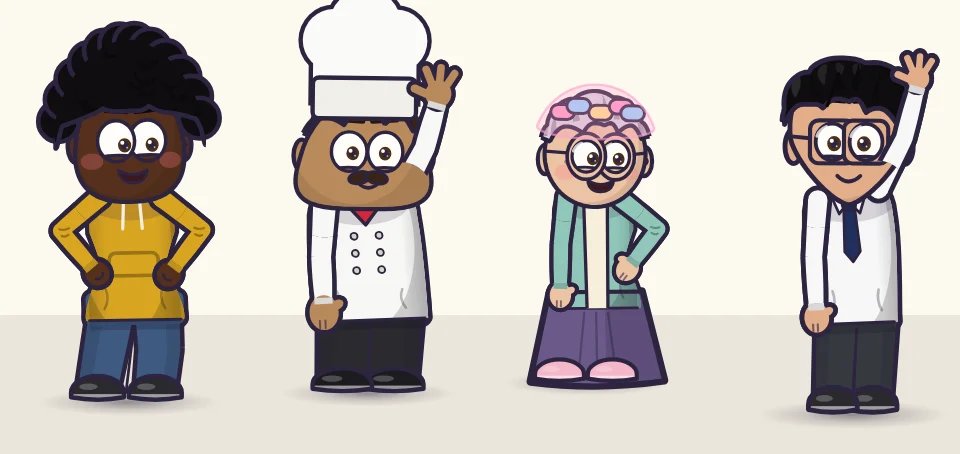
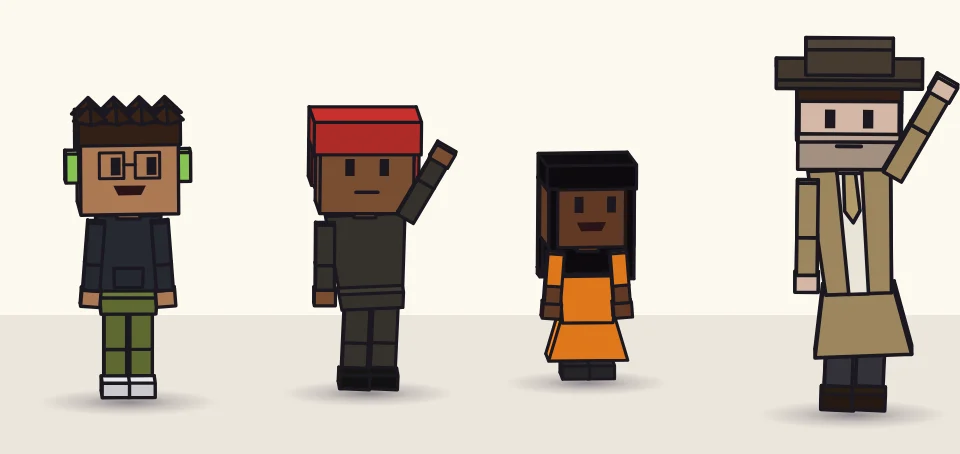
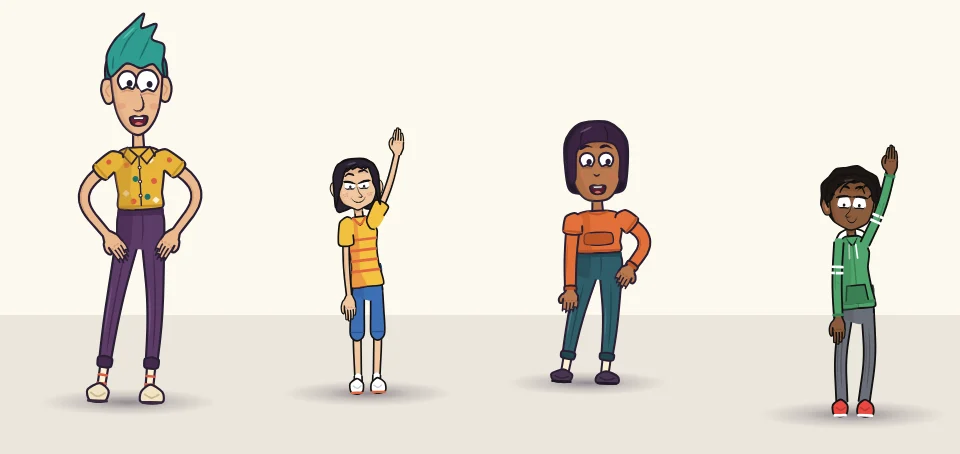
The same story, three very different cartoons. Every one walks, talks, turns all the way round and acts it out.
Charts that move.
Steps that slide in.
Explainers, rankings, stats and how-tos: bars that grow, numbers that count up, labels that pop in. Describe one to your AI and it gets built, or lay it out yourself, then post it on its own or cut to it mid-video.
This one is how to get Wiggle Studio, made in Wiggle Studio.

Three steps.
No animation skills.
If you can write the joke, you can make the cartoon. The studio does the drawing, the walking, the lip-sync and the camera.
Cast it
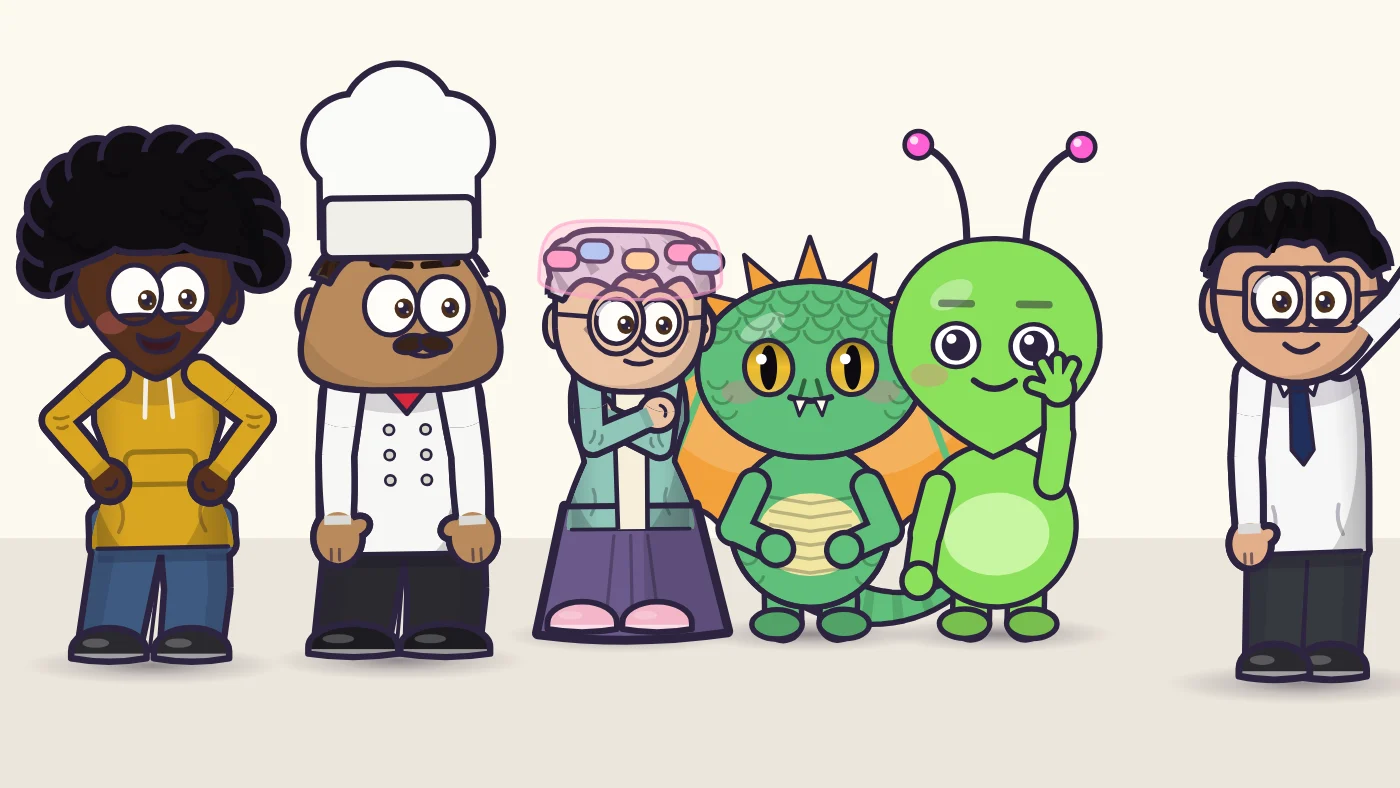
Chefs, knights, aliens, grandmas, dragons and a dog called Biscuit. Change their clothes, hair and voices, or make your own recurring characters and keep them for every episode.
Script it
One line at a time: who moves, who talks, what they say. Then the timing: a hold, an interrupt, a freeze frame.
- Sasha“I can totally do a backflip.”Say
- Sasha tries a backflipMove
- Freeze frame: “Sasha could not do a backflip.”FX
- Sasha facepalmsMove
Post it
Press play and it's a cartoon, with voices, captions and music. Save it as a video and post it to TikTok, Reels, Shorts or YouTube.
A real animation desk,
when you want one.
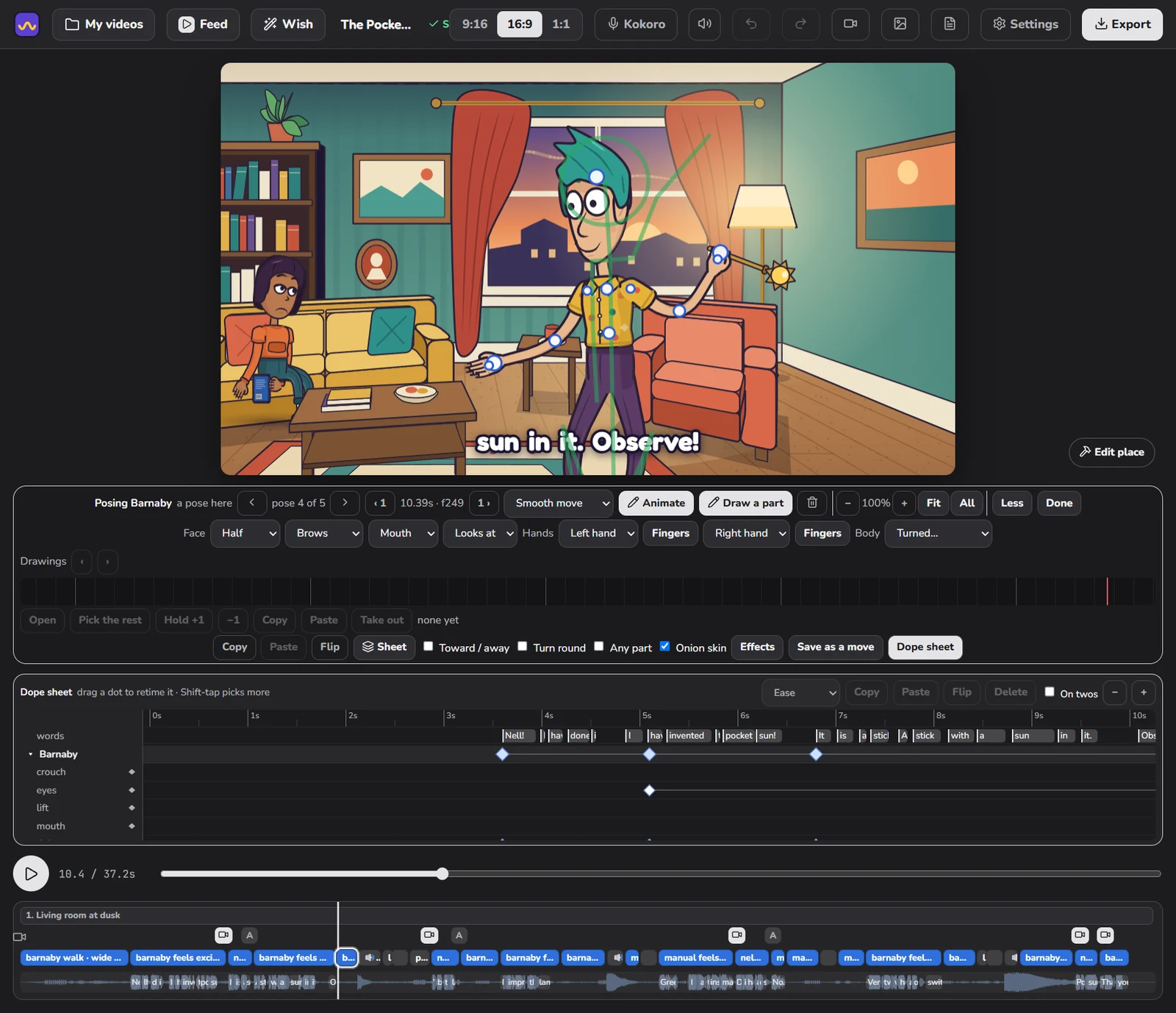
Let the studio act it out, or take over. Pose anyone right on the stage, draw frame by frame, and time it on a dope sheet, the way TV cartoons are made.
Pose on the stage
Drag hands, feet and heads where you want them. Each pose is kept as a key, with the one before ghosted behind it.
Draw frame by frame
Draw any moment yourself over a light box, one drawing at a time. Hold a drawing, or swap just a hand or a mouth.
A dope sheet
Every key for every part, laid out in time. Drag a dot to retime it. Copy, flip and paste poses. Snap to twos.
Their own moves
Build a walk or a signature gesture from key poses and keep it with the character, for every video after.
Draw your own cast.
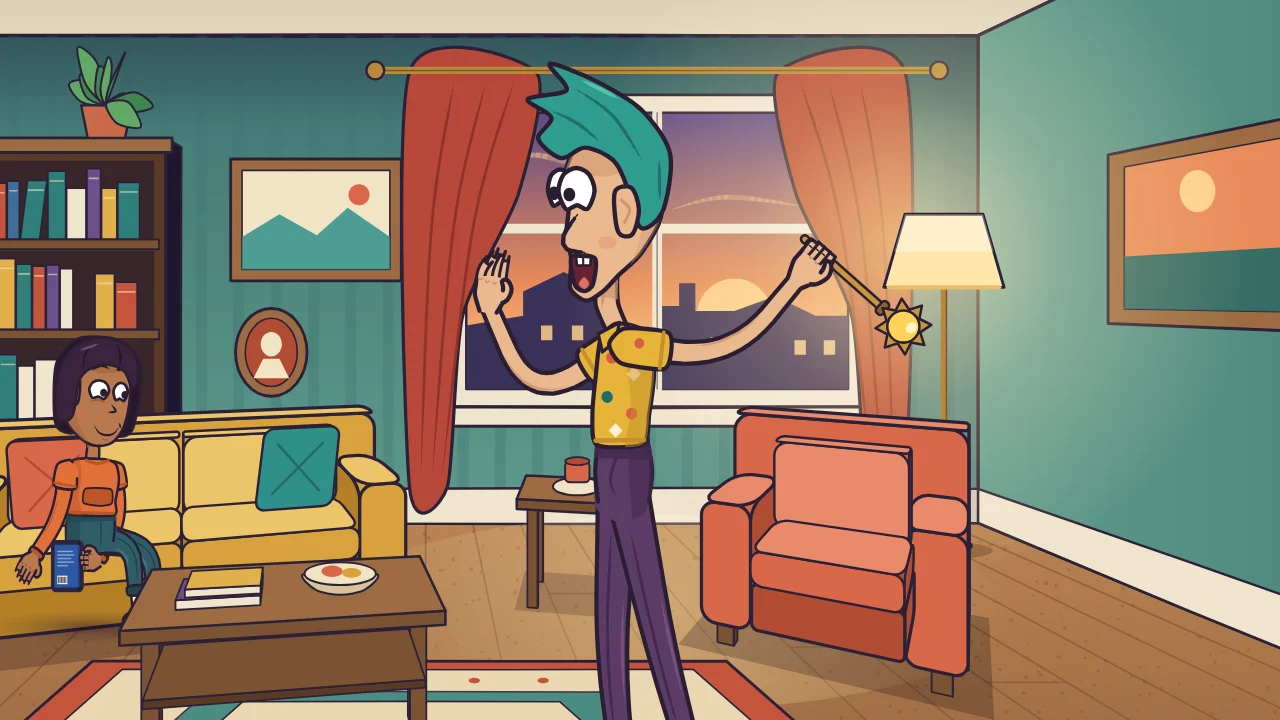
Brushes, a pen tool, a bucket and layers. Draw someone from the front, the side and the back, fit a skeleton to them, and they walk, talk and turn like everyone else. Or turn any picture into drawn shapes and start from that.
Build anything
from blocks.
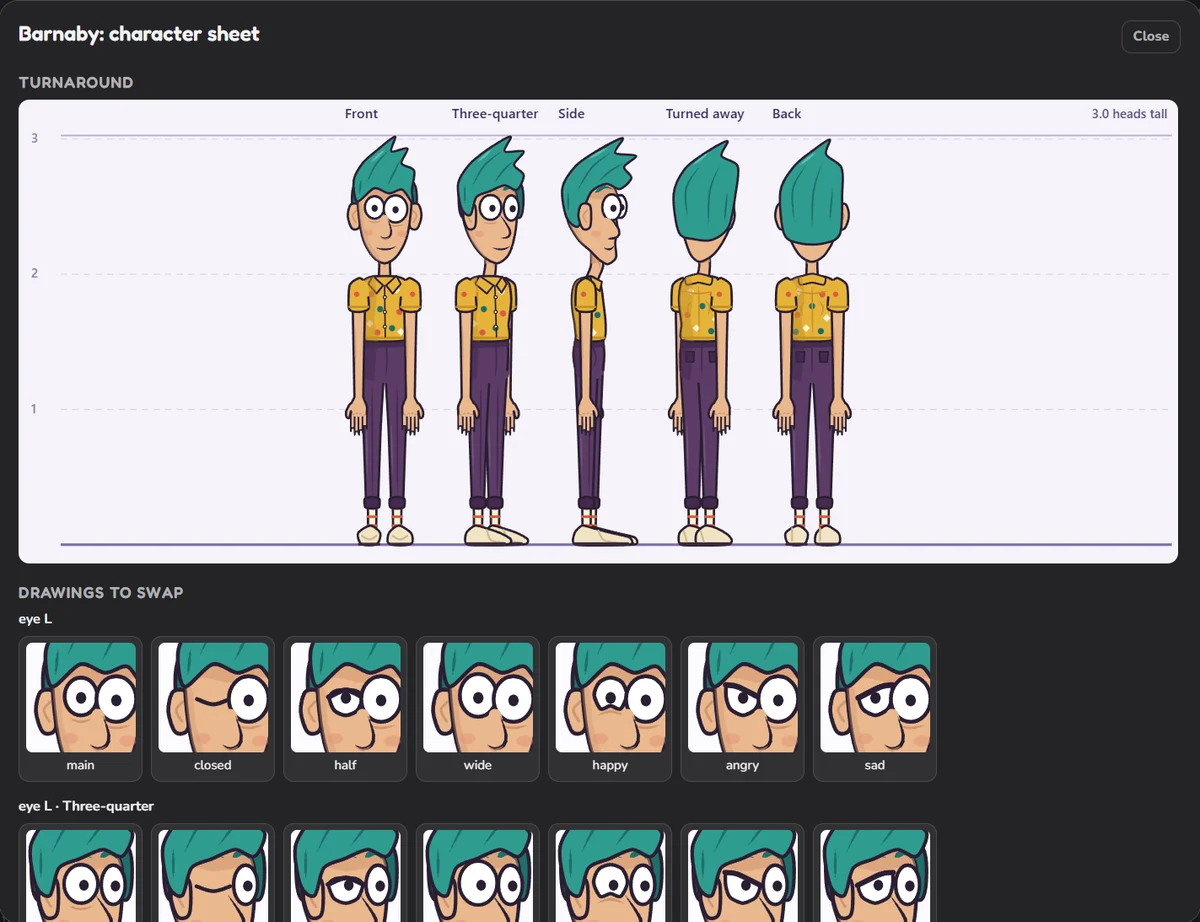
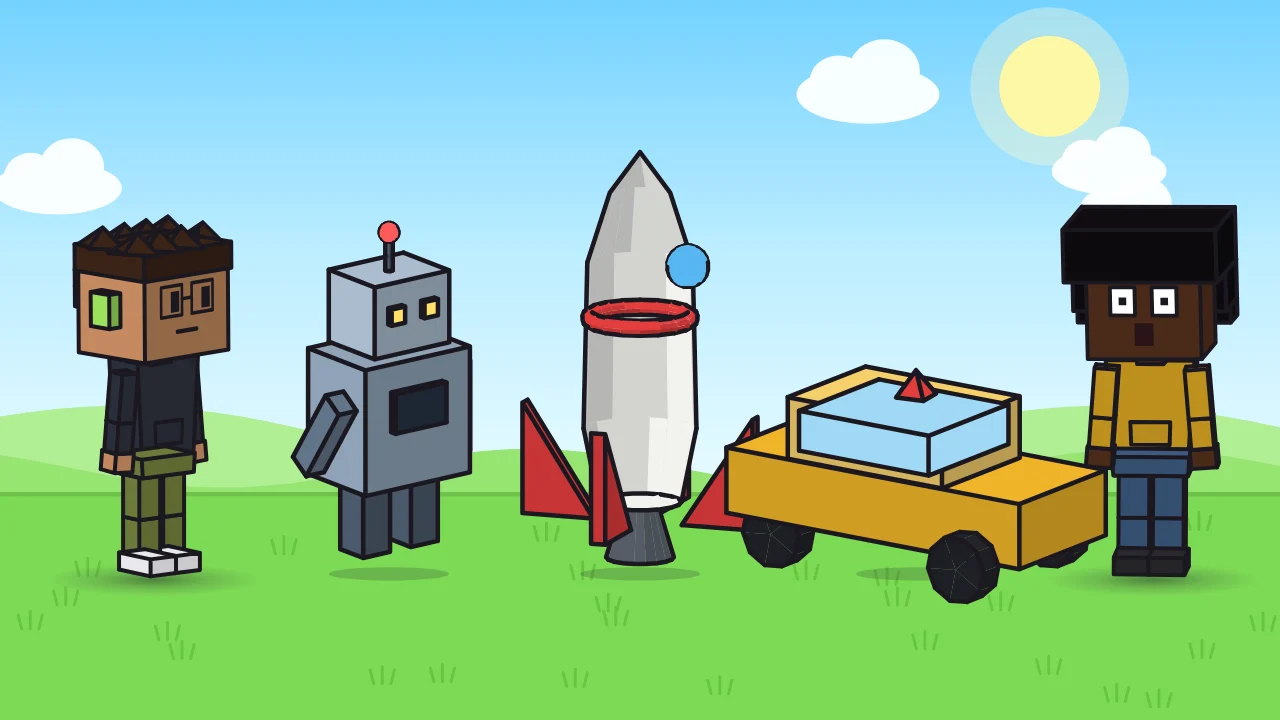
Boxes, balls, cones and rings fix together into robots, rockets and cars, with wheels that spin and arms that swing. Stand one in a scene, hand it to someone to carry, or walk right round it in a 3D place.
Casper: the film recap
A whole film recap in a few minutes, cast, voiced and animated in Wiggle Studio. Press play, with the sound on.
More on our YouTubeNeed a land octopus? Ask for one.
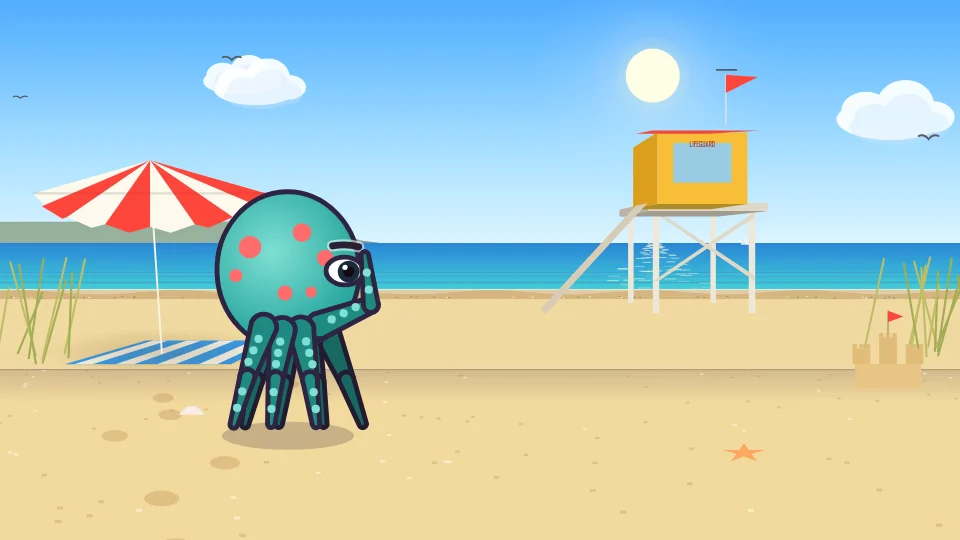
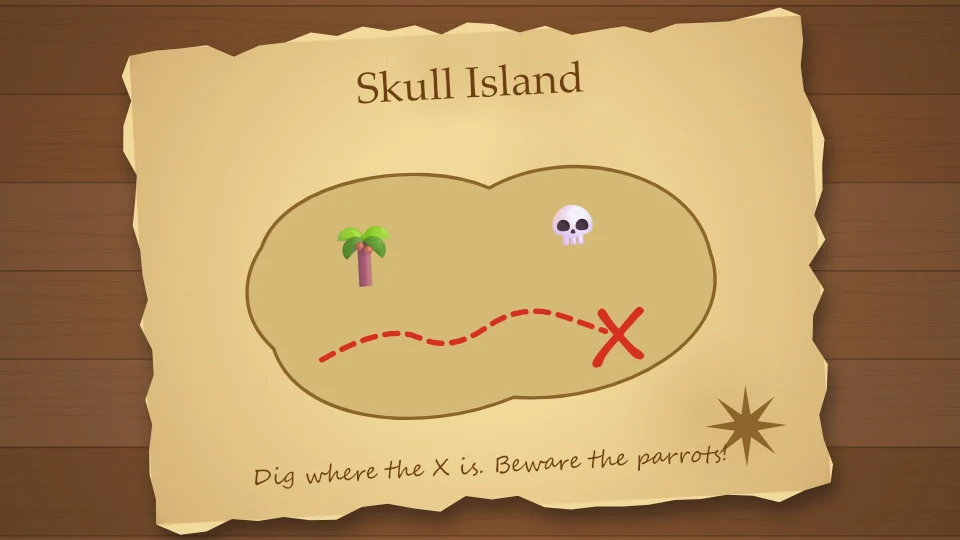
With an AI assistant connected, Wiggle Studio isn't limited to what's in the box. Ask for a creature and it gets built, with legs that walk, a face that talks and moves of its own. Ask for a treasure map and one gets drawn, trail and all.
Works with Muse (free), Claude, ChatGPT and other assistants that connect to apps. Optional: Wiggle Studio works fine without one.
What you make
is yours.
Wiggle Studio isn't a platform you upload to. It's a program on your computer, and the videos it makes belong to you.
You own your videos
Stories, videos and voices you make are yours. We don’t claim any rights to them.
Use it all in your posts
Every character, place, song and sound that comes with the studio can go in the videos you share.
No logo of ours
Nothing gets stamped on your videos unless you put it there yourself.
On your PC
Your projects and recordings stay on your computer, not on someone else’s server.
Wish for something.
Missing a character, a place, a move or a feature? Tell us. We read every wish, and the best ones turn into updates.
Rather send an email? help@wigglestudio.app
3 days free.
Try everything. If it's not for you, cancel before day 3 and you won't pay a thing.
Start free: then $9.99 a month Or $100 a year (2 months free)A license key also sets it up on your second computer.
after 3 free days. Cancel any time.
- Everything in the studio, and every update
- Up to 2 computers, and every phone and tablet at home
- Accounts for everyone at home
- Windows 10 or 11
Good questions.
Can I post what I make on TikTok, Instagram and YouTube?
Yes. Your videos are yours, and the characters, places, music and sounds that come with the studio can go in the videos you share. The terms have the details.
Do I need to know animation?
No. You say who’s in it and what happens, and the studio does the drawing, the walking, the lip-sync and the camera.
I do know animation. Can I do it by hand?
Yes. Pose anyone on the stage with keys and onion skin, draw frame by frame over a light box, retime everything on a dope sheet, and draw and rig your own characters on the art pad.
Isn’t it for kids?
It started as a family studio, and it works just as well for comedy shorts, sketches, explainers and series. You decide what’s allowed: fight scenes can be clean or messy.
What do I need?
A Windows 10 or 11 computer. You can also open the studio from your phone or tablet by scanning a code it shows, and record lines on your phone.
Is there a Mac version?
Not yet. Windows comes first; Mac is on the list.
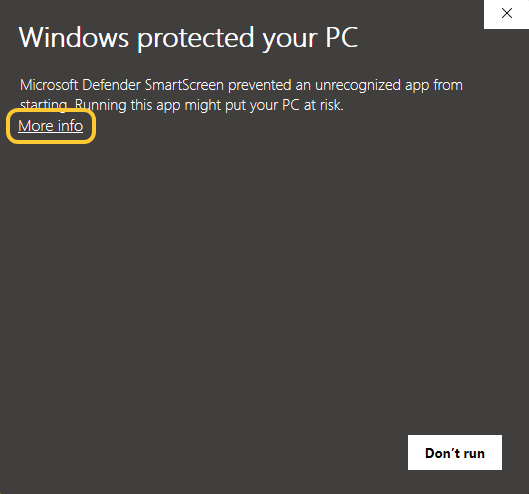
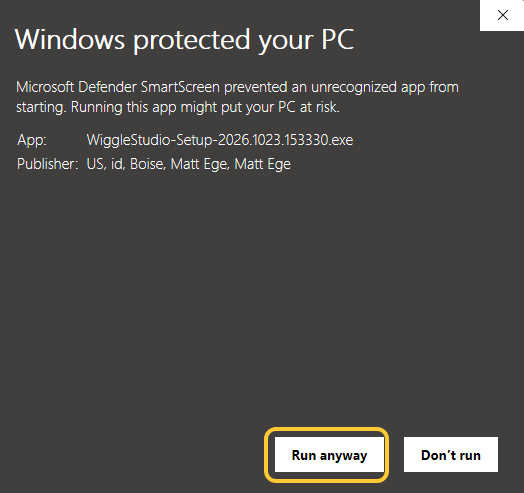
Windows says it "protected your PC". Is it safe?
Yes. Windows shows that blue box for new apps it hasn’t seen many people download yet, and Wiggle Studio is new. Click More info, check it says Matt Ege (that’s us, the makers), then click Run anyway.
Do I need an AI assistant?
No. Everything is made right in the studio. Connecting Muse (free), Claude or ChatGPT is an extra: you can ask it to make a video, or to invent new creatures and close-ups.
How much is it?
$9.99 a month, or $100 a year. The first 3 days are free: you add a card to start, and nothing is charged until day 3.
How do I cancel?
In the studio: 👤 → License → Manage billing. Or type your license key at get.wigglestudio.app/billing. Cancel during the free days and you pay nothing. Charges aren’t refunded, but after you cancel it keeps working until the end of what you paid for. The terms have the details.